 OS Keyboard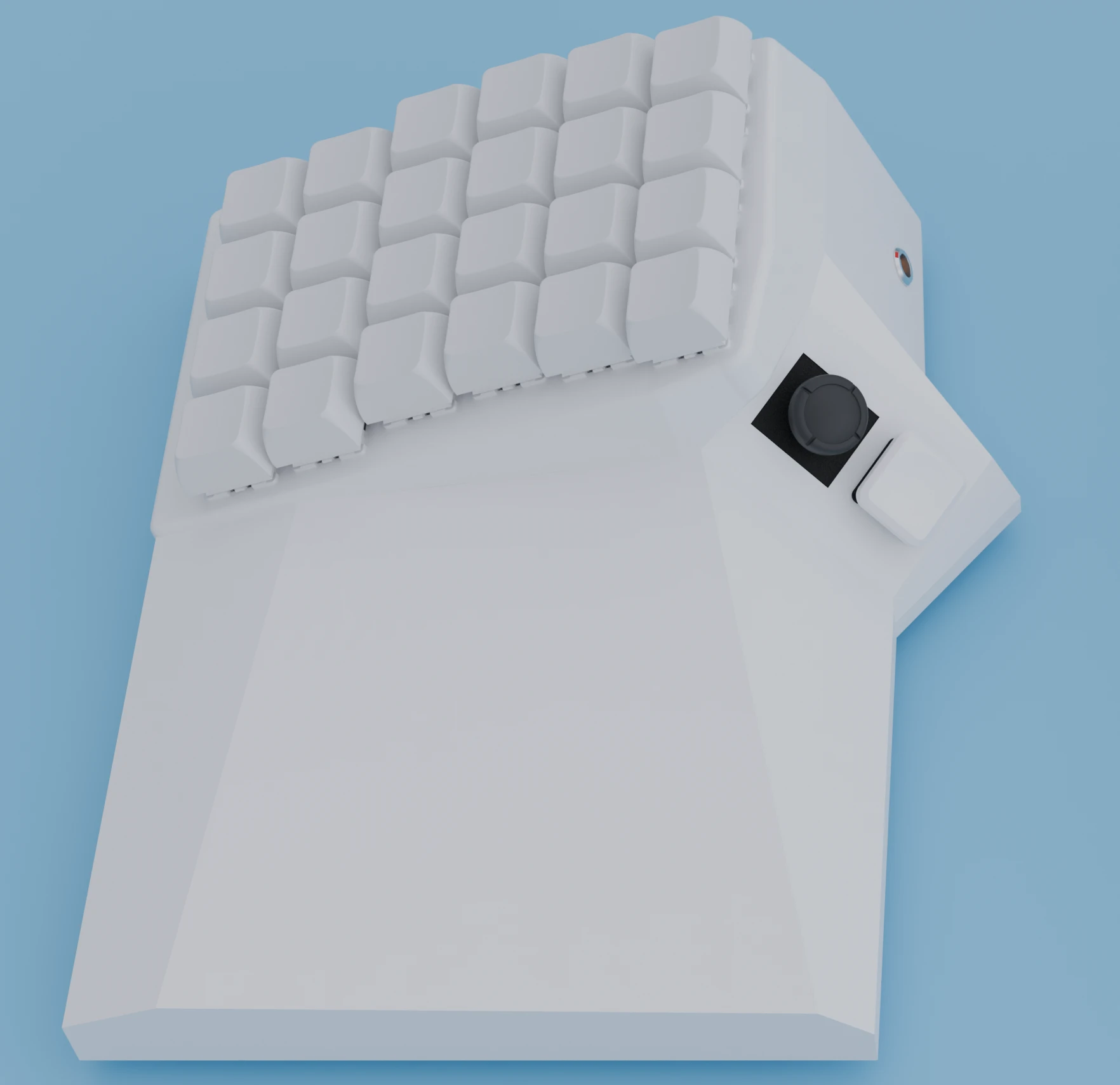
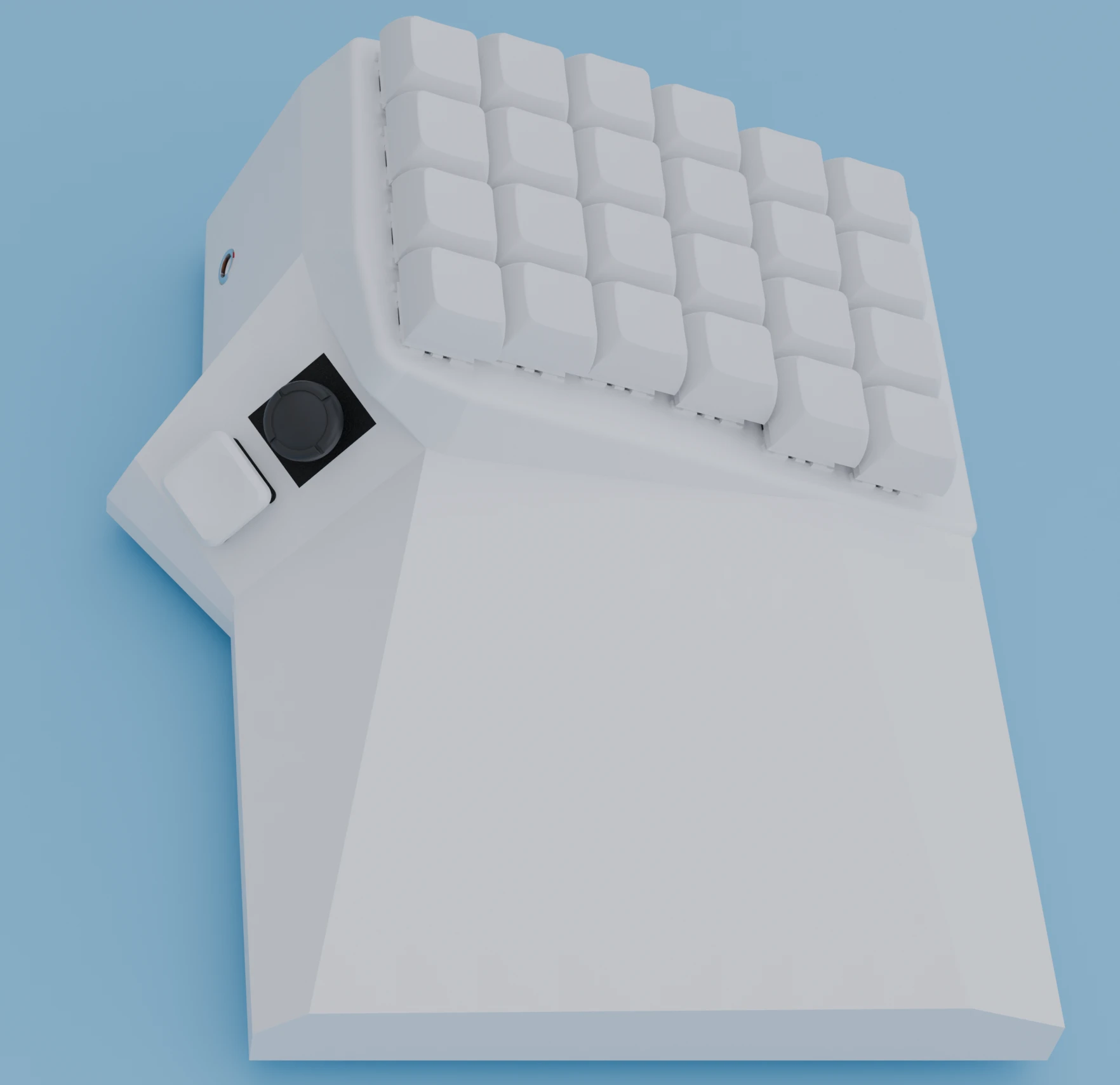
For games
WASD with your thumb.
Everything else with your fingers.
A hall-effect analog stick under each thumb, a 4×6 hot-swappable key block and a side button around it. Peek, lean and sprint without giving up a single keybind.
For work
Two joysticks.
Zero reaching for the mouse.
Hold down a button and move the joystick. You just unlocked 20+ more actions for the same key. With on-screen overlay, you can precisely control the added actions without needing to remember.
Lily58 + dual joysticks = Razer Tartarus × 2 = surprisingly good
Tested by 40+ users on 20+ apps/games
For games
Analog + Digital Gaming Inputs
Ever need to WASD and press other keys at the same time?
- 360° Hall Effect Analog Joystick
- Use your thumb to press 5+ keys instead of just spacebar
- Support for 8-directional WASD mapping
- Configuration for deadzone, mapping angle, etc
- Use the entire keyboard as a controller (if you want)
- (Beaulo Peek like a champ)
For work
20×
The functionality of every single key
We have tried so hard to make one key do more things. This feels like the best one so far.
- Easy to remember. Actually, no need to remember with our On-screen Cheatsheet
- Easy to press – only takes one key press and one swipe
- Way more possible inputs for each key
- Per-Application Settings & Auto Switch
Easy Mousing
With two joysticks in different configurations, you can have the best of both worlds…
- Adjust the speed curve and sensitivity for each joystick
- One for fine control and one for fast-moving
3D + Mousing
Unlock 6+ DOFs with the [key + joystick] combo. 2D * 2 > 3D
- Maximize the efficiency for single-sided usage
- Replacing the burden of mouse usage in 3D Modeling
Automation
Connect the keypress options to well-loved automation/macro software like VIM and AHK
- Link your hardware to popular software tools
- Expand beyond simple shortcuts and media keys
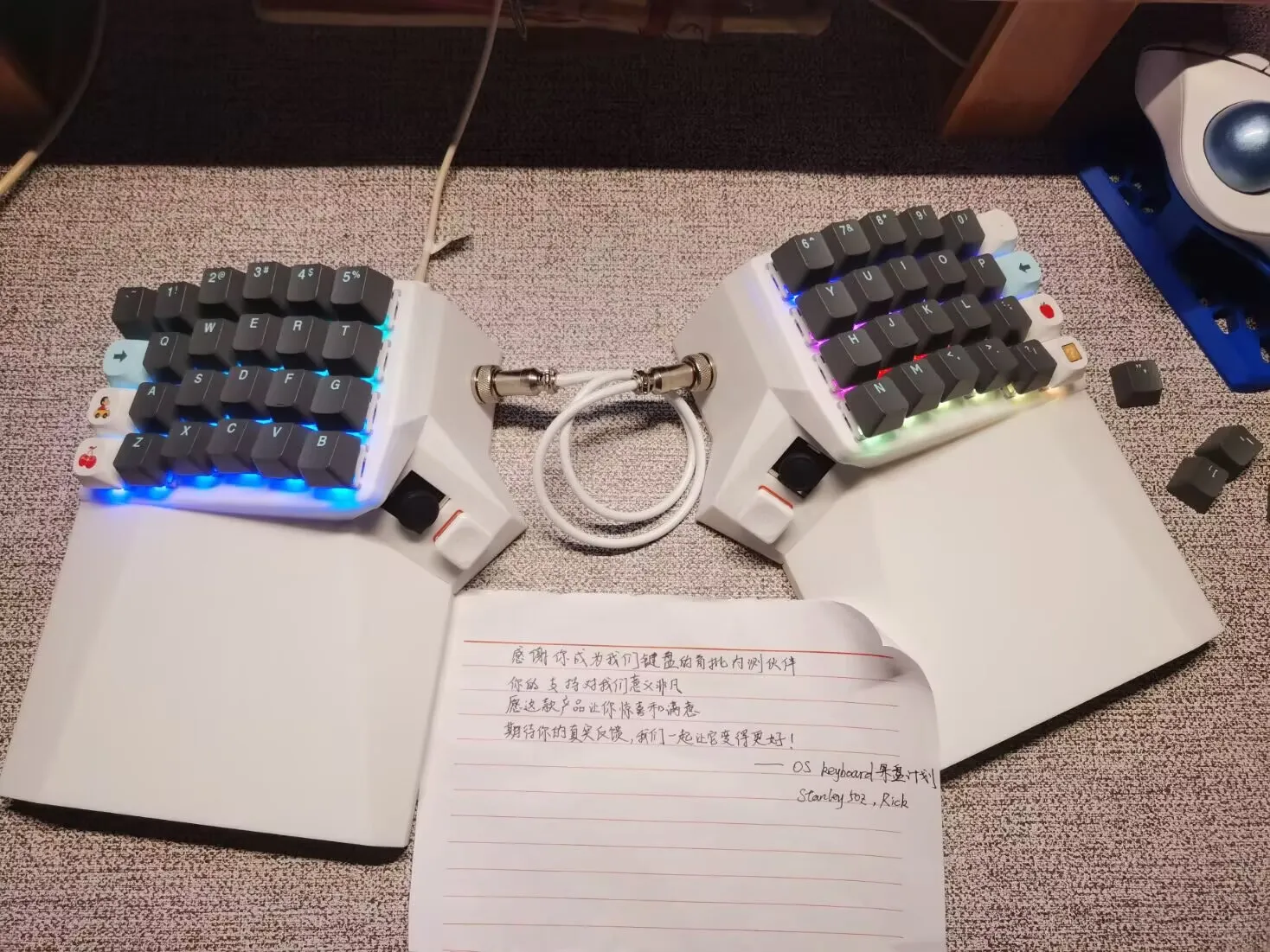
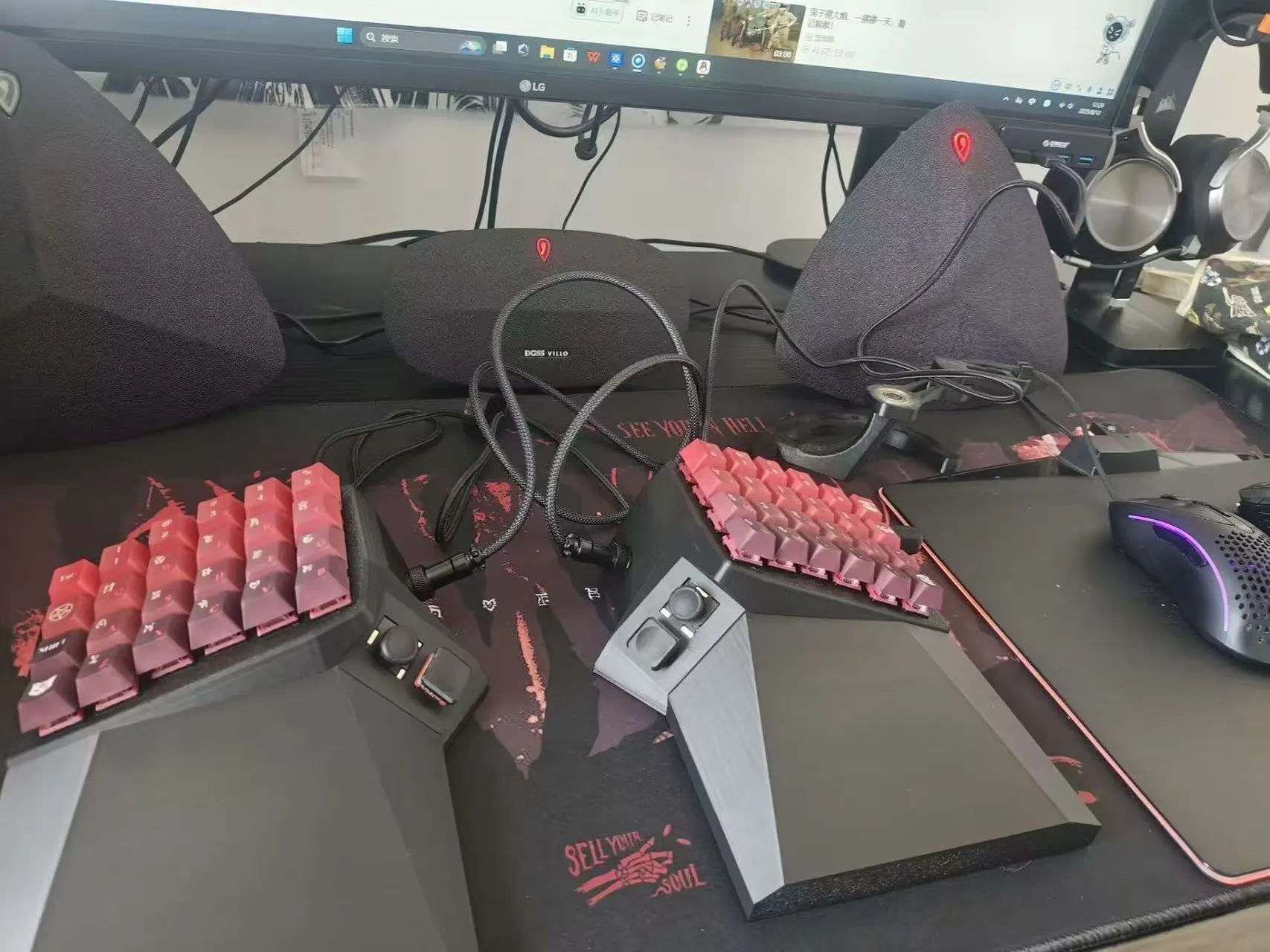
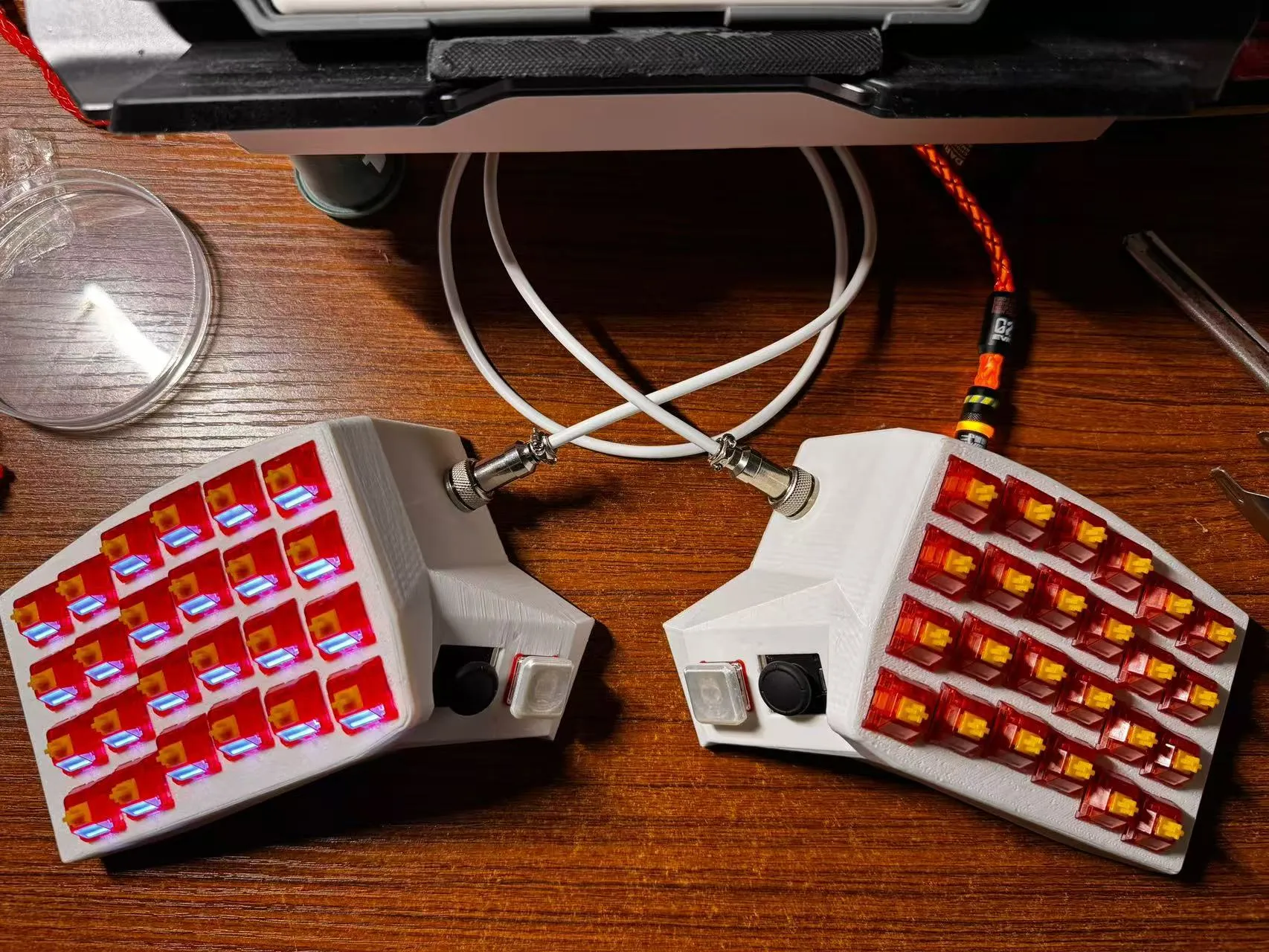
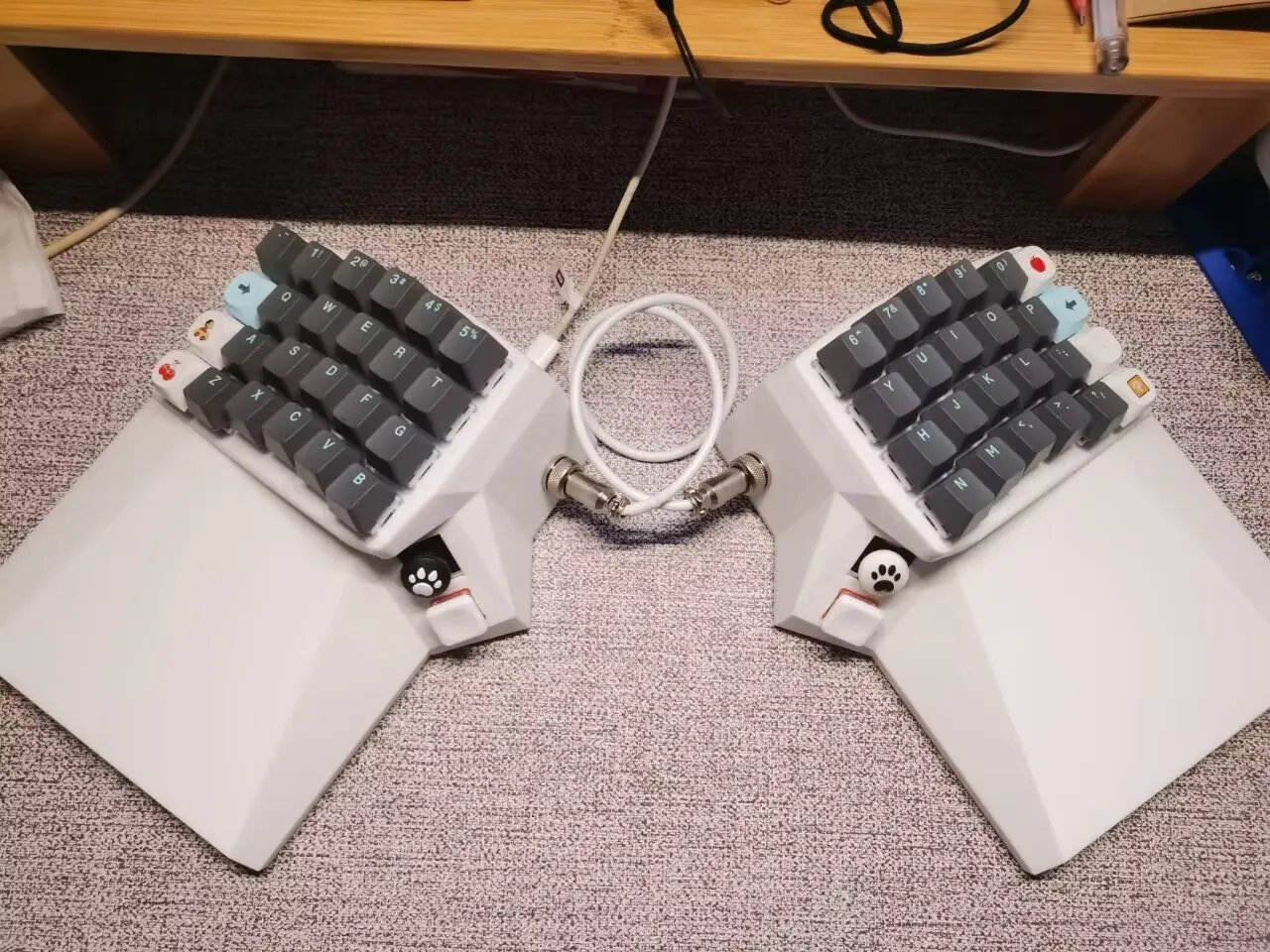
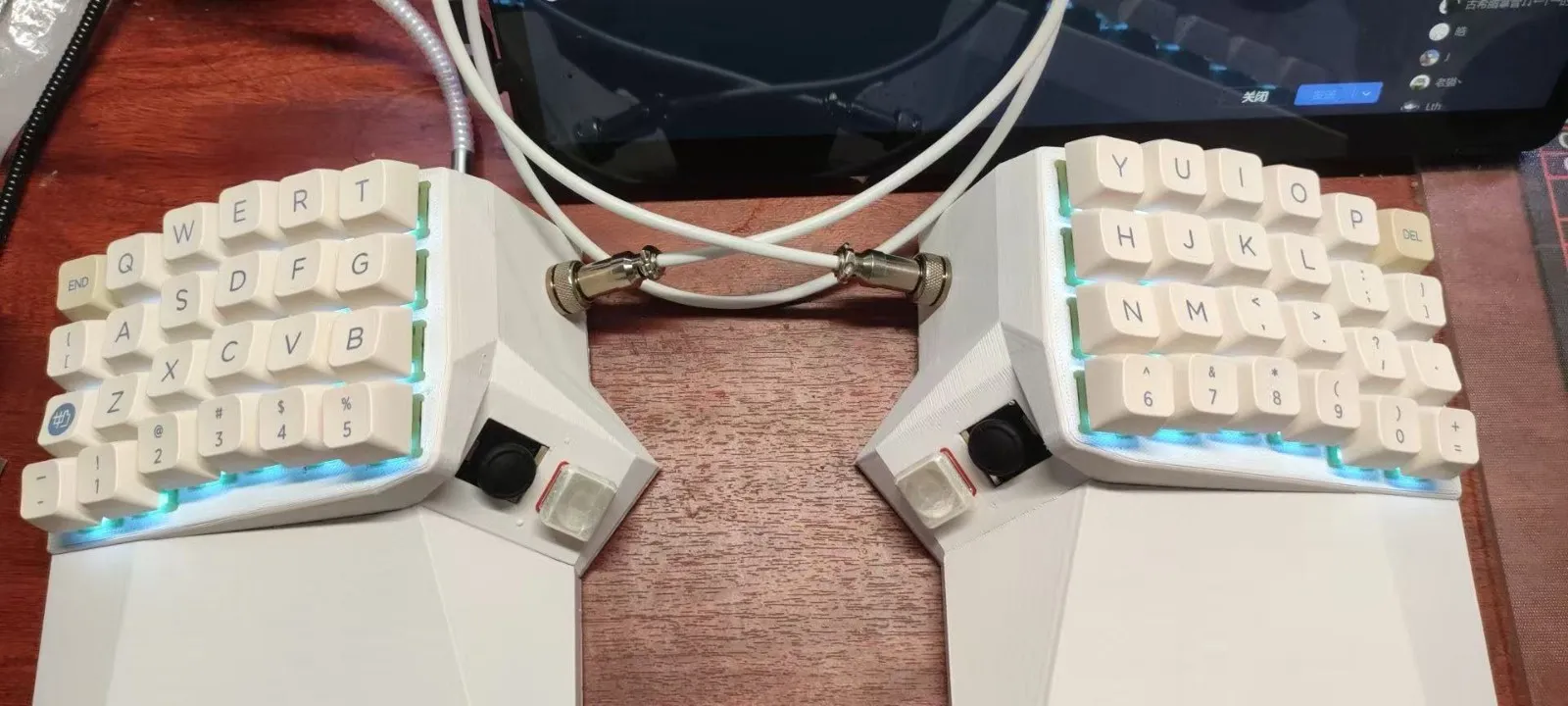
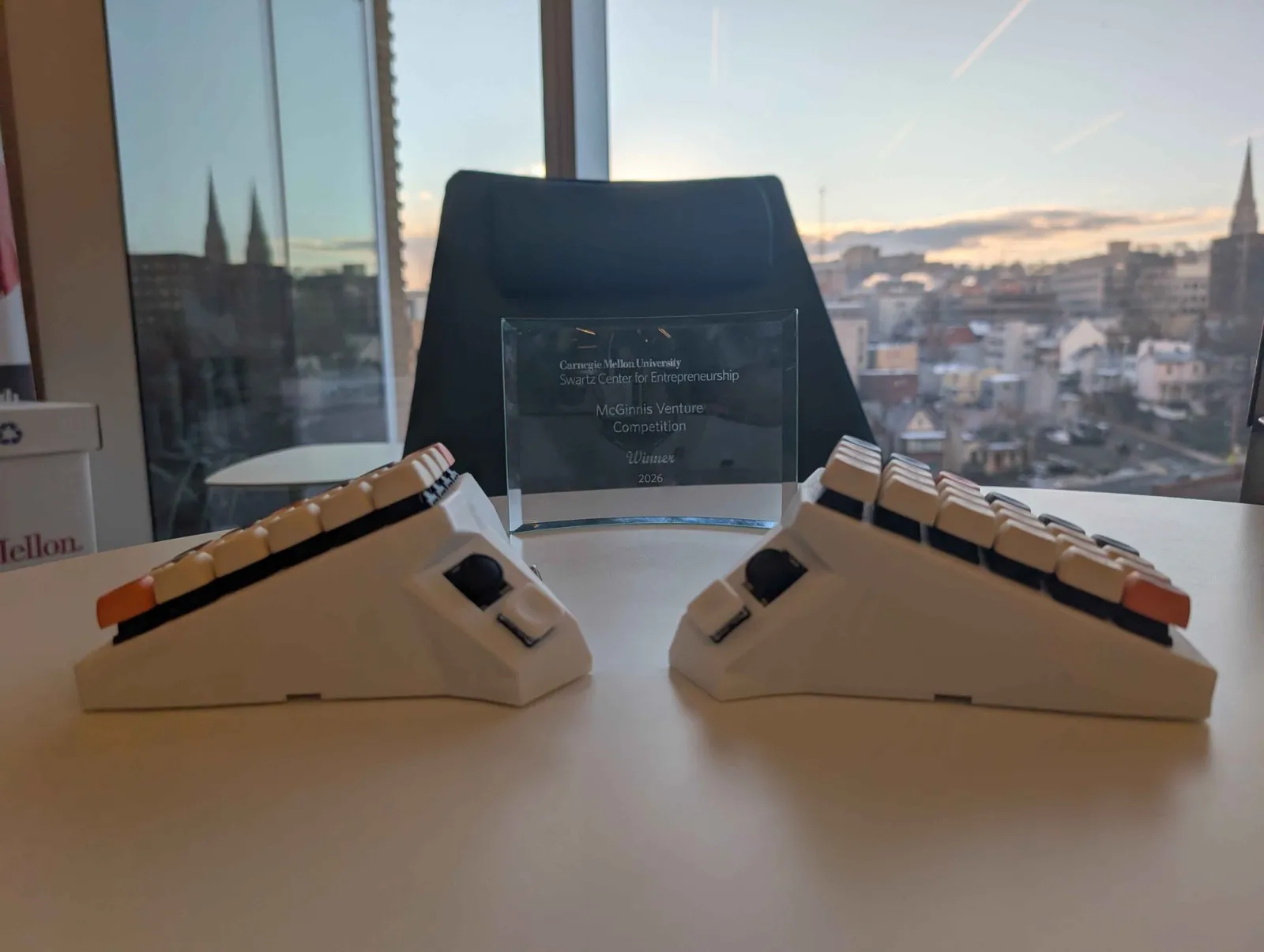
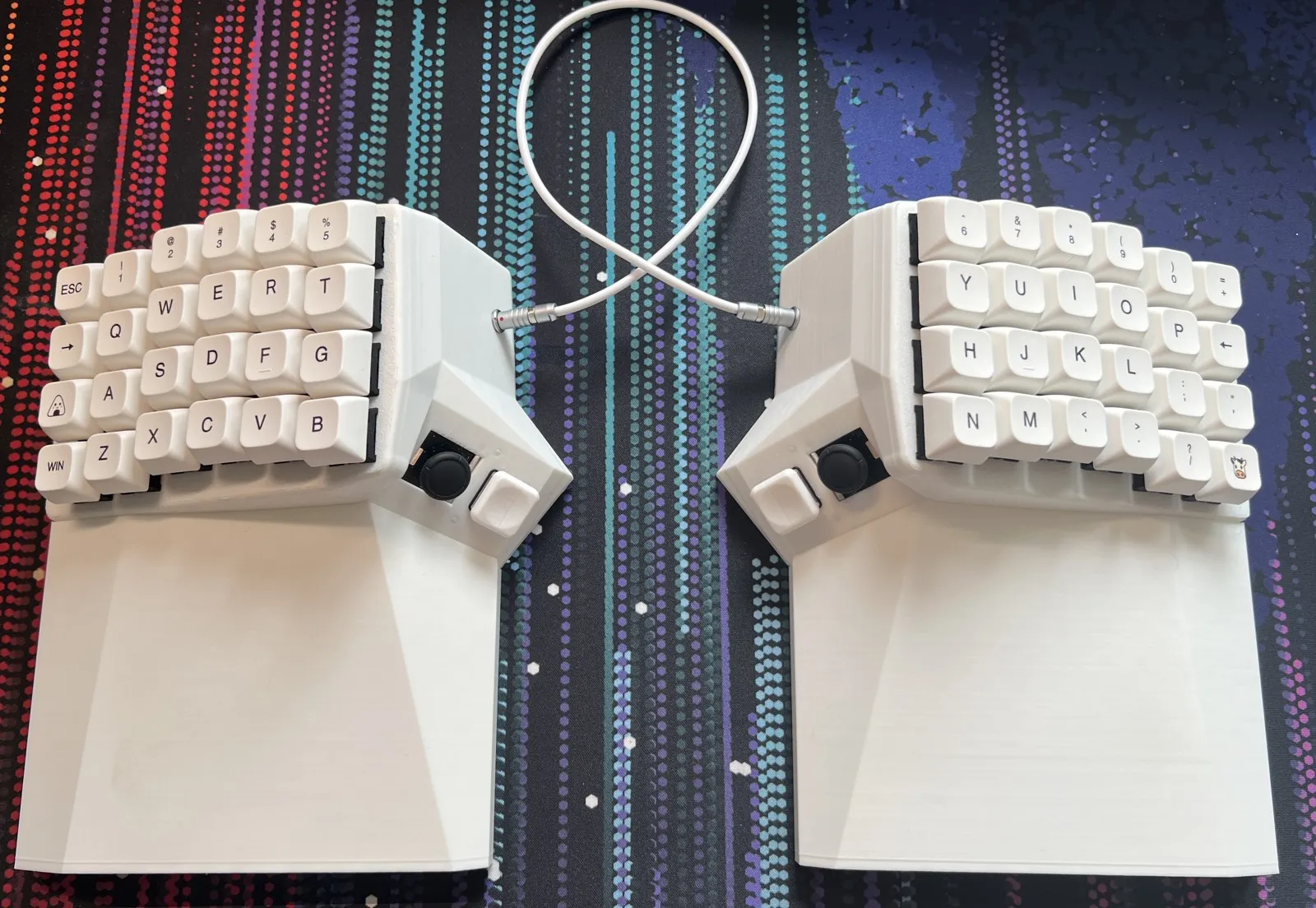

Tested by 40+ users on 20+ apps and games.
The R1 beta batch is gone. Join the waitlist for the next run, or come argue about keymaps on Discord.